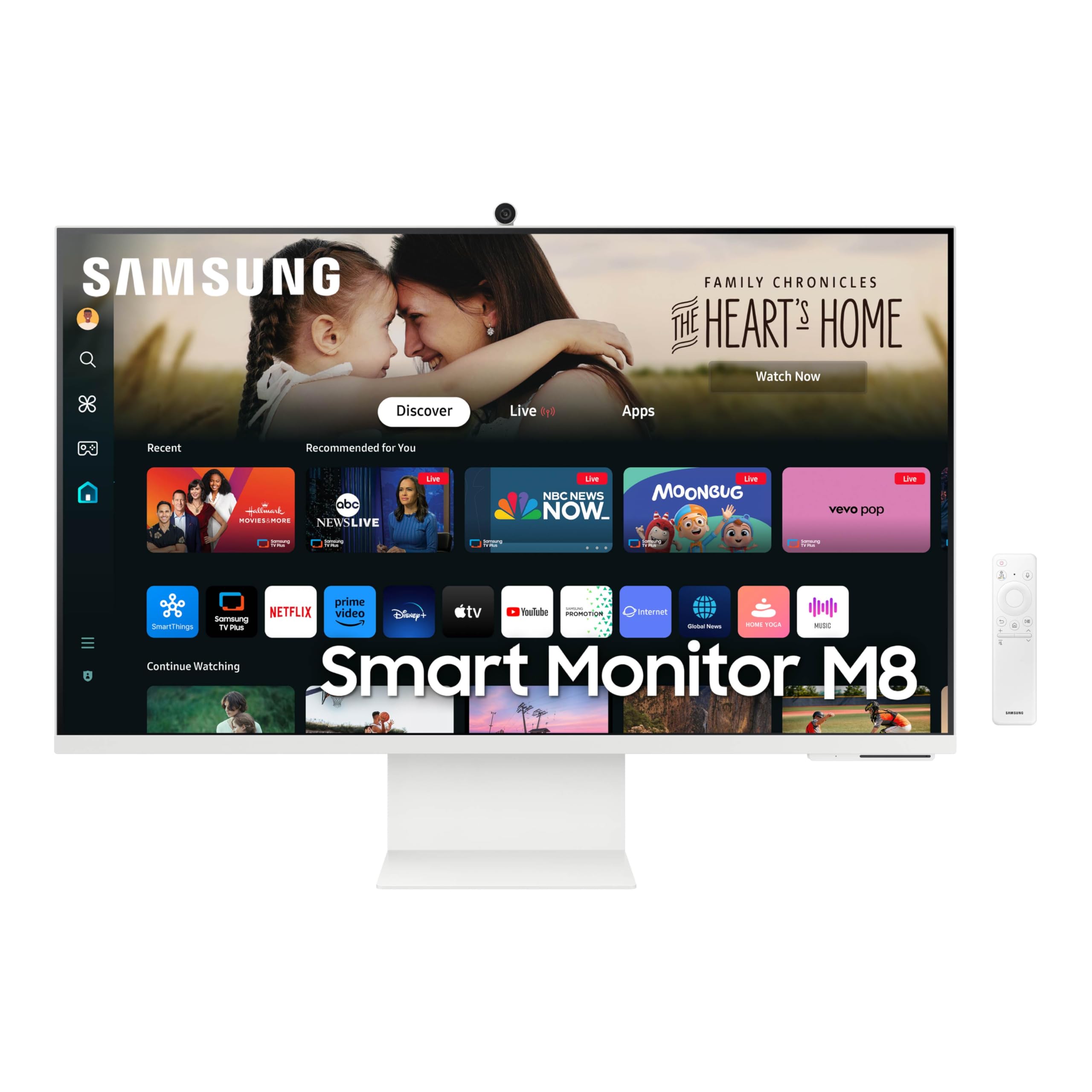
The Samsung M8 M80D does three jobs in one box: a sharp 32-inch 4K work monitor, a streaming TV without a PC, and a video-call station with camera and speakers included. It is held back by a brightness shortfall, a 60 Hz ceiling, missing DisplayPort and Ethernet, and thin speaker bass. For buyers who want that all-in-one desk setup, it remains a strong pick — just confirm the M80D model number and check the current price on Amazon.
— THE VERDICT · JUDGEANY EDITORSSamsung's Smart Monitor M8 M80D is the 2024 refresh of the M8 line, and it is easy to see why the idea keeps selling: one 32-inch 4K screen that works as a desktop monitor during the day and as a streaming TV at night, with speakers, a webcam and a remote in the box. Samsung positions it as an all-in-one streaming TV and desktop monitor, with 4K UHD resolution, HDR10+ support, 4K AI upscaling and Gaming Hub. This review is built from published reviews and manufacturer documentation, not from any testing by this site, and it weighs the M80D on that evidence alone.
Display: sharp 4K, with a brightness caveat
The panel itself is the least controversial part of the M80D. Samsung lists a 32-inch 4K UHD panel at 3840 x 2160, and Expert Reviews describes it as a crisp, high-contrast 4K VA display with a matte finish that keeps reflections under control. RTINGS, comparing the M80D with the older M80B, notes the same 32-inch VA panel, 3840 x 2160 resolution and 60 Hz refresh rate, and finds the M80D brighter in HDR with more accurate colours than its predecessor. Expert Reviews measured a contrast ratio of 2466:1 with low black luminance of 0.127 cd/m2, which explains why dark scenes hold up better than the numbers on a typical office monitor would suggest. Macworld, reviewing the M80D specifically, notes the same 4K resolution and 400 nits brightness figure as the panel's headline claim, while also warning that build quality feels rough around the edges and that some features need a Samsung account. The practical reading is straightforward: text and video look sharp at normal desk distance, and Expert Reviews puts pixel density at 138 ppi, close enough to a small high-resolution laptop screen that individual pixels fade from view.
Smart features: a TV operating system on your desk
The M80D runs Samsung's Tizen smart TV system, so streaming apps such as Netflix run on the monitor itself, alongside Samsung TV Plus for live channels and on-demand content, according to Samsung. Expert Reviews stresses how comprehensive that system is, covering streaming services, cloud gaming through GeForce NOW, Xbox Cloud Gaming and Luna, remote access to services such as Microsoft 365, and voice control through Bixby and Alexa, all without a connected PC or console. Multi Control, per Samsung, lets one mouse and keyboard work across the monitor, a Galaxy Tab and a Galaxy phone, and Expert Reviews describes it as essentially a wireless KVM system with content sharing added. The friction is real, though. Expert Reviews calls the menu structure clumsy, with the smart TV interface, basic monitor menu and game menu sitting in separate spaces with different design languages, and Macworld notes that menus can take a while to wade through. If you already live inside Samsung's ecosystem, the M80D gives more back; if you only want a plain monitor, the smart layer is overhead you will keep tripping over.
Connectivity: one good USB-C port, and some missing pieces
For a single-cable laptop setup, the M80D does the important job well. Expert Reviews lists one full-size HDMI 2.0 port, one USB-C port with DisplayPort Alt Mode and 65W power delivery, and two USB-A ports, and Samsung likewise highlights USB-C as the way to connect without adapters. That 65W USB-C charging covers many thin laptops while carrying video, which keeps a desk down to one cable. Expert Reviews also notes Wi-Fi 6 and Bluetooth 5.3, which power the wireless features, including Samsung DeX and remote desktop use. The gaps matter for some buyers. Expert Reviews flags the absence of a full-size DisplayPort connector as strange on a modern monitor, and Macworld lists the lack of Ethernet among its cons. There is also no 3.5 mm audio jack, per Expert Reviews, so wired headphones need another route and Bluetooth becomes the main audio connection. That fits the wider pattern of a smart layer that sometimes gets in its own way.
Speakers and camera: fine for calls, thin for music
The built-in audio and camera are what turn the M80D from a monitor into a desk hub, and both land in the same place: good enough for everyday use, short of dedicated gear. Samsung lists built-in speakers, and Expert Reviews specifies two 5W speakers, measuring 76 dBA against a pink noise source at 1 metre. Expert Reviews found plenty of volume and a wide, detailed soundscape, but bass that stays thin enough to make music at maximum volume feel brittle. The detachable SlimFit camera is a stronger piece of the package. Expert Reviews describes a magnetic housing with a detachable USB-C pogo plug and a removable lens cap, delivering bright and clear images in its assessment, and Macworld identifies it as a detachable 1080p webcam. Expert Reviews adds one practical annoyance: the camera barely adjusts, so getting a face centred in frame can mean tilting the screen forward and raising the chair. For video calls and classes, the camera earns its place; for streaming or recording, a dedicated webcam still wins.
Where the evidence disagrees, and why the verdict still holds
Here is the conflicting evidence, and it is worth stating plainly. Samsung's headline brightness figure for the M80D is 400 nits, repeated by Macworld, yet Expert Reviews could not push its sample past 315 cd/m2 in any setting combination it tried, and found that switching to Windows HDR mode did not raise maximum brightness beyond that level. Expert Reviews also found its colour profiles of limited use for anyone wanting to lock the panel to DCI-P3, Display P3 or AdobeRGB, settling on its own Entertain, Native and Standard combination for a measured 105.3 percent sRGB gamut and an average Delta E of 1.7 against Rec.709. Macworld's cons list agrees on the colour point, naming no support for DCI-P3 outright. Add the 60 Hz refresh rate, the missing DisplayPort and swivel, the thin bass and the menu quirks, and the M80D looks compromised on paper. The verdict survives because none of those flaws breaks the job most buyers actually hire it for. A 60 Hz panel is a poor pick for competitive gaming, and a colour-critical studio should look elsewhere, but for office work, study, streaming and casual cloud gaming, the sharp 4K panel, the height, tilt and 90-degree pivot stand, and the PC-free streaming and gaming hub remain a combination that plain 4K monitors do not offer. The brightness shortfall matters in a sunlit room; in normal indoor use, Expert Reviews still calls the measured brightness enough, and the contrast and matte finish do much of the visual work.
Who should buy it
Buy the M80D if you want one screen to cover work, streaming and video calls, especially in a small room, a dorm or a home office where a separate TV would be clutter. It suits laptop users who value the single USB-C cable with 65W charging, Mac users who want a large 4K screen with AirPlay support at a lower outlay than Apple's own display, and households that want a second TV that also works as a monitor. Skip it if you play fast competitive games, need DisplayPort or Ethernet, do colour-critical work in DCI-P3, or want speakers that carry music on their own. Check the model number before ordering, because Macworld warns that Samsung still sells the older M80C, and some stores still list the M80B, so M80D is the detail that guarantees the 2024 refresh. For current pricing, check the current price on Amazon, since street pricing moves and the value case shifts with it.