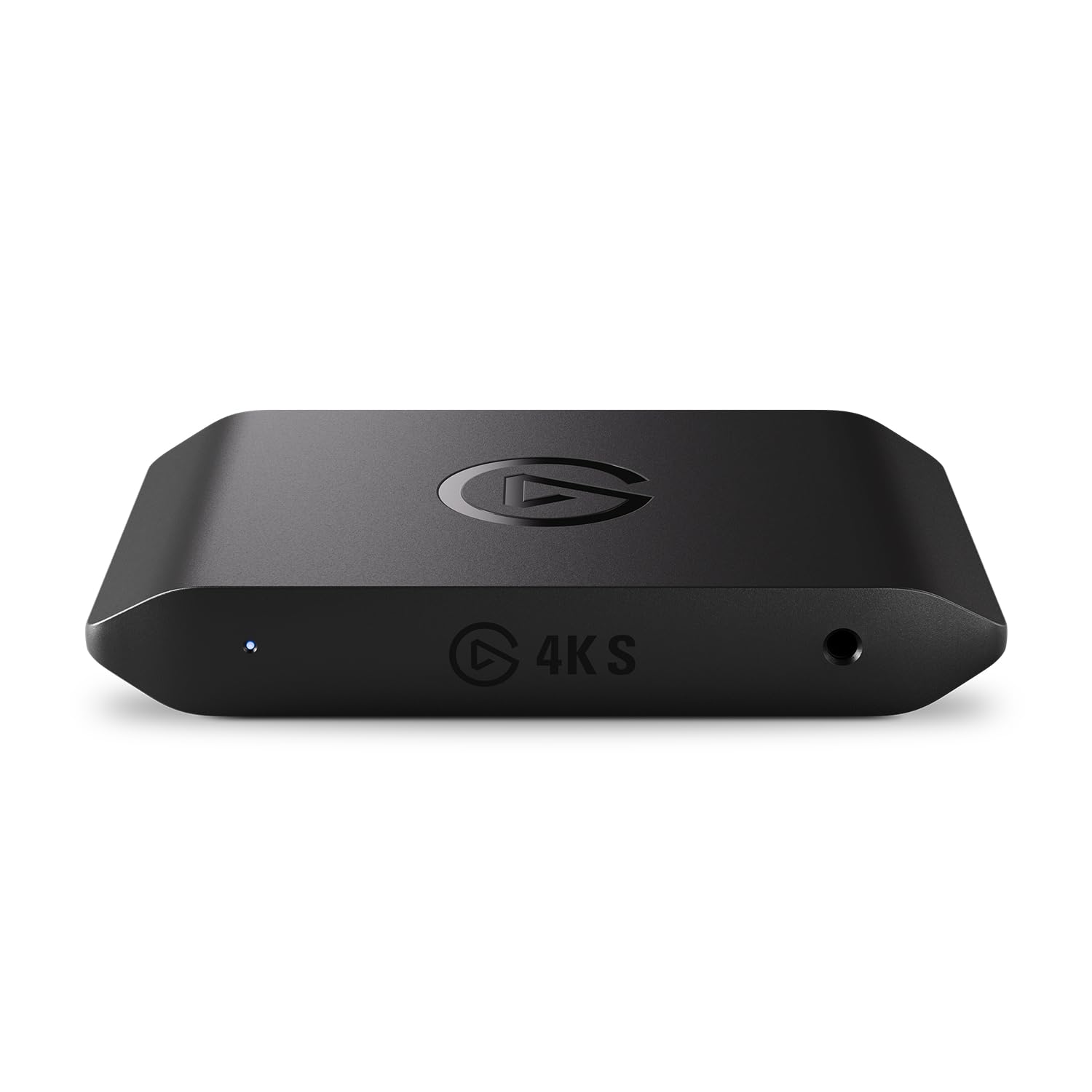
The HD60 X is the capture card for streamers who publish in 1080p but game in 4K: 1080p60 HDR10 capture with lag-free 4K60 HDR10 VRR-capable passthrough. USB-C plug-and-play, broad OBS support, and useful extras like Flashback Recording round it out. Skip it for 4K60 capture, and know Mac users lose Elgato's own software. Check the current price on Amazon.
— THE VERDICT · JUDGEANY EDITORSWhat it is
The HD60 X is Elgato's external USB capture card for the current console generation, launched in April 2022 as the follow-up to the HD60 S+ (GlobeNewswire). Elgato — the Corsair-owned streaming brand, per Amazon's product details — built the X around a simple trade: stream or record at up to 1080p60 HDR10 while you keep playing at up to 4K60 HDR10 on the passthrough, with your own picture untouched. PC Gamer's Jacob Ridley had the positioning right early, calling it "a pretty neat little capture card" that is "not a massive upgrade on the HD60 S+" but is "better suited to high-end gaming monitors with VRR support."
Capture and passthrough, on paper
Elgato's official specs draw a clean line between the two paths. Capture: 2160p30, 1440p60, 1080p60, 1080p30, 1080i, 720p60, 576p, and 480p. Passthrough: up to 2160p60, 1440p120, 1080p240, with VRR and HDR. HDR runs 10-bit on the passthrough up to 4K60 and on capture up to 1080p60 — with one catch: HDR capture works on Windows only. The card connects over USB 3.2 Gen 1 Type-C, measures 112 x 72 x 18 mm, and weighs 91 g; an HDMI 2.0 cable and a USB-C-to-A cable come in the box. Two reviewer findings matter more than they look: TweakTown notes the recordings use 4:2:0 chroma subsampling — a color-compression shortcut that trades bandwidth for some color uniformity — and KitGuru found 4K30 recordings only work from a 4K30 source. There is no onboard encoder either, so the encode rides on your own hardware: Elgato asks for a 6th-gen i5 or Ryzen 7 with a GTX 10-series GPU and 4 GB of RAM, and TweakTown tested capture on both an RTX 20-series laptop and an RTX 40-series desktop without a hitch.
VRR is the headline, with asterisks
Variable refresh rate is the reason the X exists. It was Elgato's first capture card to handle VRR, with eTeknix measuring a 48–120 FPS operating range, and for G-Sync or FreeSync owners it is the argument for the X over the HD60 S+. The asterisks are real, though. PC Gamer's reviewer hit a passthrough problem with his own monitor at first and only got 4K-with-VRR working after Elgato sent over a beta firmware. basic-tutorials found that VRR passthrough works but VRR itself can't be recorded, and the picture caps at 1440p with VRR active. Best Buy's aggregated customer reviews add occasional VRR desync and HDMI connectivity complaints. And eTeknix reminds buyers the card is not HDMI 2.1, so 4K120 throughput is off the table; 1440p120 is the ceiling for high-refresh play.
Software and workflow
Elgato's 4K Capture Utility is simple by design, and TweakTown's hands-on testing turned up a few tricks worth knowing: Instant Gameview monitoring is lag-free enough to play from the preview window, Flashback Recording caches hours of gameplay so you can save moments retroactively, and Stream Link records a clean feed in 4KCU while you stream with overlays through OBS. The 3.5mm analog line-in takes live commentary and exports it as a separate track for editing. Beyond Elgato's app, the card works with OBS Studio (27.2.4 or later), Streamlabs, vMix, Zoom, and Microsoft Teams, and Stream Deck integration can trigger recordings. The frictions are honest ones: TweakTown calls the record button tiny and notes the app has no keyboard shortcuts, and an OBS forums thread documents one user's passthrough-and-signal loop after the OBS 30.0.0 update, fixed only by a full PC restart.
Setup, compatibility, and the Mac question
Setup is driverless plug-and-play on Windows 10 (64-bit) and macOS 10.13 or later. Amazon's listing ranks the card #3 in External TV Tuners, which says something about how often the mainstream setup just works. Sub-100 ms latency keeps the passthrough feeling instant, and at 91 g the unit is pocket-portable — though TweakTown warns the stiff bundled cables can lift the featherweight box right off your desk. Console owners should know one classic gotcha first: a verified Best Buy reviewer had to disable HDCP on the PS5 before the card would see a signal. Then there is the Mac question, where the published evidence genuinely disagrees. Elgato markets driverless Mac plug-and-play, and the card does work over UVC in apps like OBS. But Elgato's 4K Capture Utility and HDR capture are Windows-only, and PCGamesN's 2026 capture-card guide lists "doesn't work on Mac" as a con even while naming the HD60 X its best pick for 1080p/1440p. Mac owners, in short, get the capture hardware — not the full Elgato software experience.
Where it falls short
The ceiling is physical. A 5 Gbps USB 3.2 Gen 1 link and no HDMI 2.1 hold capture at 4K30, and TweakTown's advice is blunt: "look elsewhere for 4K capture." If you need 4K60 recordings, Elgato's own 4K X and 4K Pro are the cards built for that. Recordings are 4:2:0 only, and while high-refresh passthrough is generous (1440p120, 1080p240), capture never exceeds 60 fps at any resolution (PCGamesN). For HD60 S+ owners, PC Gamer's advice still stands: the X is not a big enough jump to justify a sidegrade unless you use VRR, and a discounted S+ stays tempting.
Should you buy it
The buyer who should care is specific: a console or PC streamer who publishes in 1080p and wants to game at 4K HDR — or high refresh with VRR — on the passthrough. For that person, TweakTown's 89%, KitGuru's 8.5/10, and PC Gamer's verdict all land in the same place: reliable 1080p60 capture that never touches your own picture. Everyone else has a reason to pause — 4K60 capture needs a different card, Mac users lose Elgato's own software, and HD60 S+ owners gain little without a VRR display. Check the current price on Amazon.